Official WOOPKER Support · Product Manuals & Technical Assistance


CD Players Are Back: Build a Simple, Modern CD Listening Setup
Why CDs are making a comeback
Physical music is having a real moment. CD sales keep growing, portable CD players are returning to the market, and more listeners are rediscovering the ritual of owning, opening and playing an album. A CD setup does not need to be expensive or complicated.

A simple WOOPKER CD system
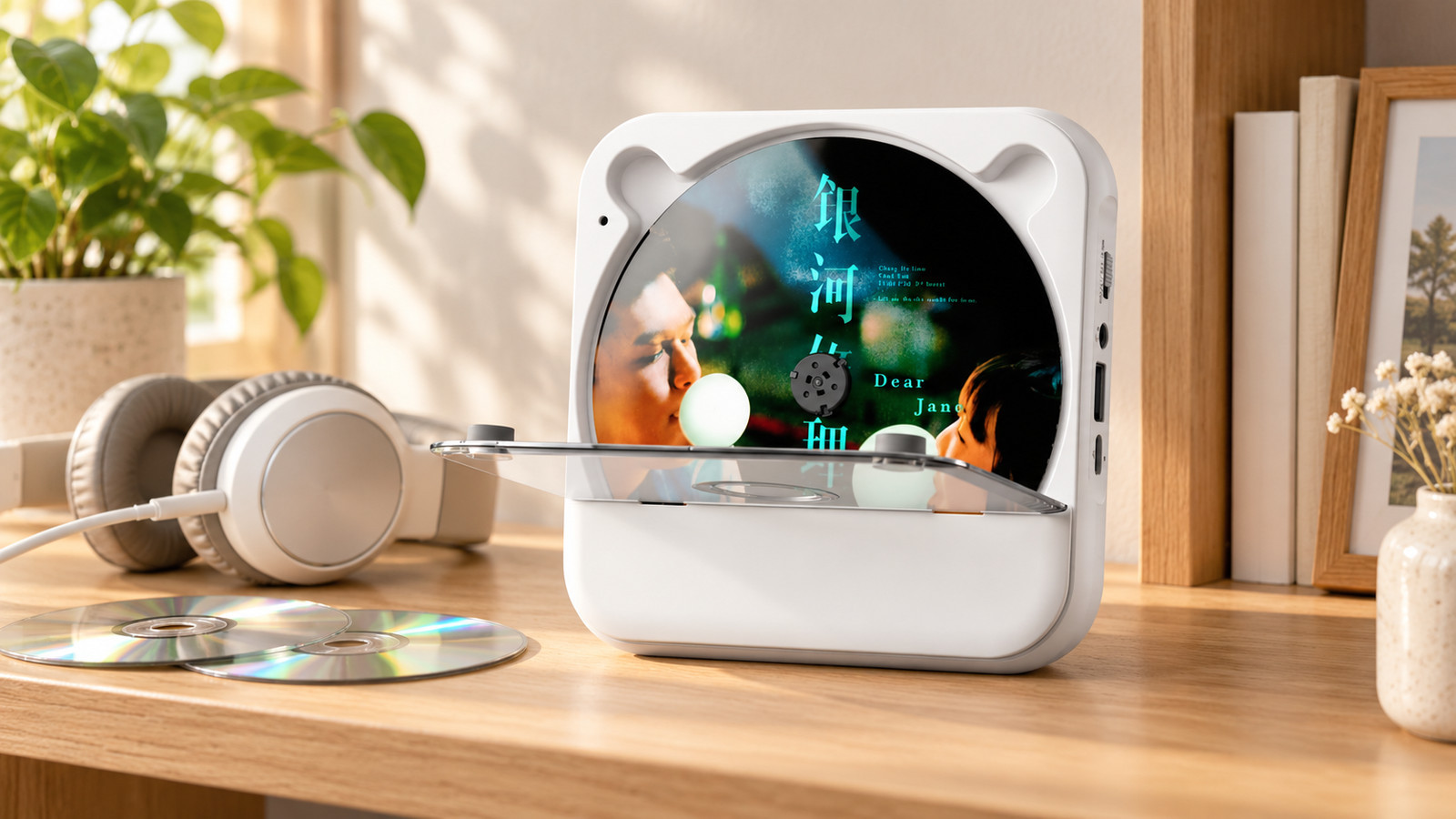
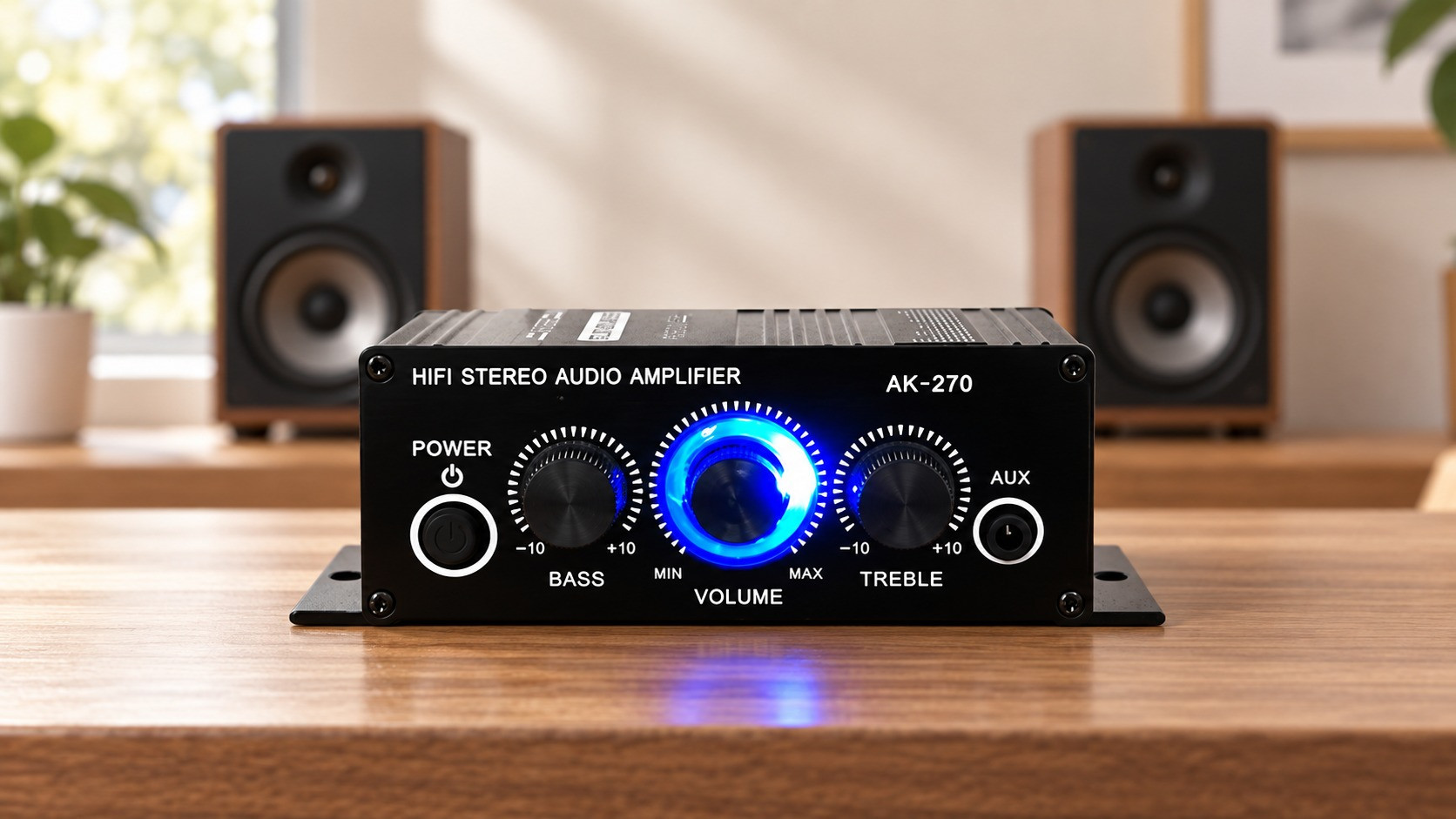
The WOOPKER KC-818 is a portable CD player with Bluetooth 5.1, a built-in speaker, an LED Display and a rechargeable design, so it works at a desk, in a bedroom or with headphones. When you want fuller sound, connect it to the WOOPKER AS-33 Bluetooth amplifier and a pair of passive speakers.

A simple desk setup
- Place the KC-818 on your desk and press play.
- Use the built-in speaker for casual listening.
- Pair headphones or a Bluetooth speaker for a more personal sound.
- Use the 3.5mm output to connect the AS-33 or another amplifier.
A simple living room setup
- Connect the AS-33 amplifier to a pair of passive bookshelf speakers.
- Pair the KC-818 to the AS-33 over Bluetooth, or connect them with an audio cable.
- Keep the volume low, start playback, then raise it to a comfortable level.

Rediscover your CD collection
Once the system is ready, listening to full albums can feel different again. Use the KC-818 on its own for a quick listen, or place it in the living room next to the AS-33 for a proper speaker experience. Keep your favorite discs close so an album is as easy to reach as a playlist.

Quick listening tips
- Store discs in their cases and keep them away from direct sunlight.
- For CDs with dust or fingerprints, wipe from the center outward.
- If a disc skips, check the disc surface and try another CD to isolate the issue.
- Use the KC-818 controls to skip tracks, repeat a disc or switch between CD and Bluetooth sources.
Still need help? Visit the WOOPKER Help Center or contact WOOPKER Support with your product model and setup details.
Author: Karl Ji
SHARE WITH A FRIEND


0 comment
Be the first to comment